
Design a best friend phone case they’ll actually use
A best friend phone case works best when it feels personal, easy to recognize, and simple enough to read at phone size. Start with the memory first: the selfie after a long day, the trip photo, the café table, the concert, or the expression that only your friend makes. Sizbo prints customer photos on phone cases, so the design can be a daily reminder rather than a generic pattern.
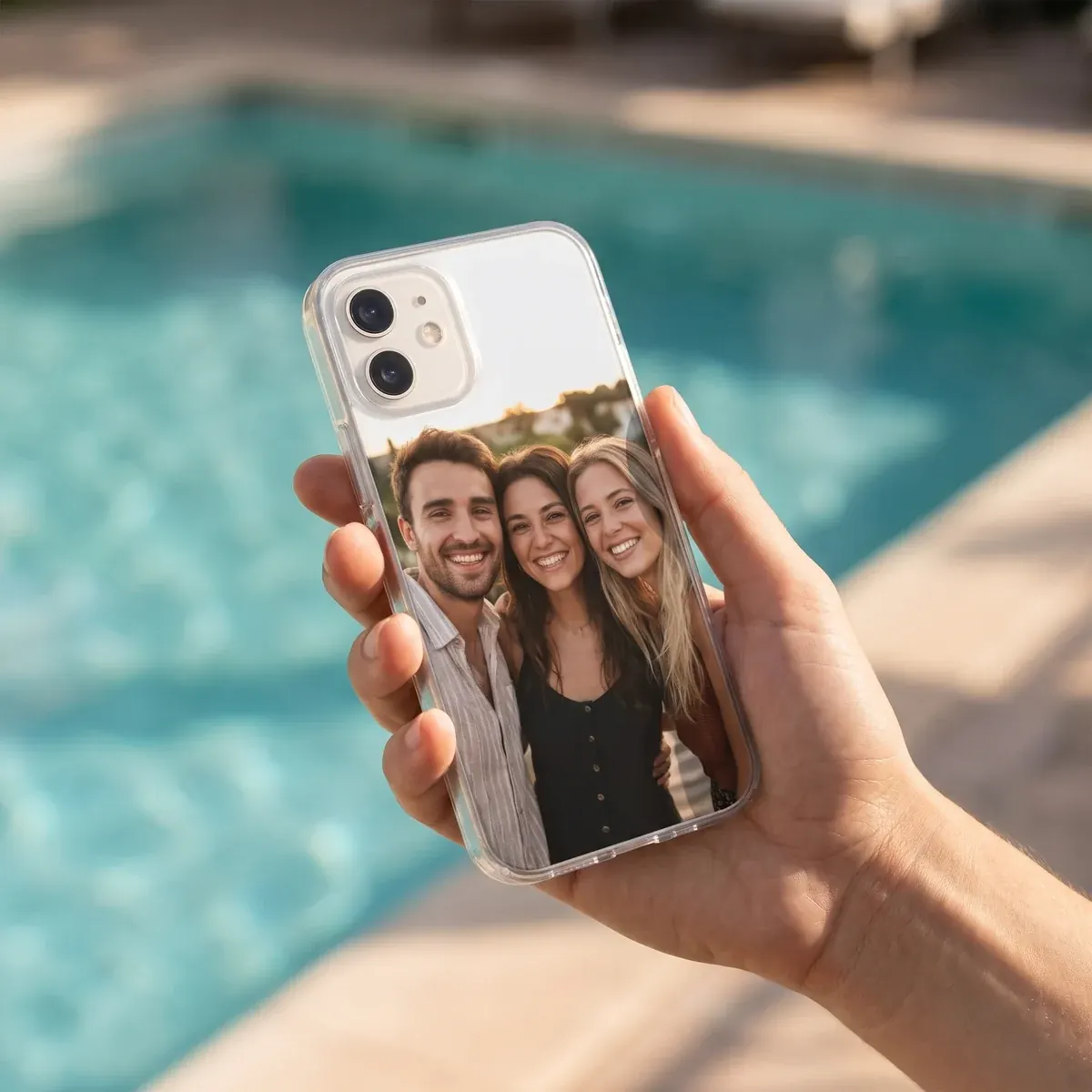
Plan the case before you upload
Think about who will carry the case. If it is a surprise, avoid picking the picture only you like. A friend may feel differently about an angle, a pose, or a photo from years ago. Choose an image where both of you look comfortable, or ask someone you both trust for a second opinion.
For a photo phone case, close pictures usually beat wide scenes. Faces need enough room on the tall, narrow shape of a phone back. A distant beach group shot may have a great story behind it, but on a case it can turn into tiny faces and a lot of empty background. A selfie or a close crop keeps the important parts visible.
The subject does not have to be only your faces. A best friend design can also use a place that means something: a city, venue, café, or travel view. If you want several moments together, make the layout outside Sizbo first, then upload it as a single picture.
Use a clear original file
The phone case is larger than a small preview on your screen, so image quality matters. Before you start designing, check the file you want to use.
- Choose the original photo from your camera roll instead of a screenshot, social media save, or picture copied from a message thread, because those versions can lose detail.
- Zoom in first. If eyes, hair, or outlines already look blurry on your screen, that softness will show on the printed case.
- Pick good light when possible. Daylight photos usually show cleaner color and less grain than dark evening shots.
How to handle one picture or several
The Sizbo phone-case designer uses one photo per case. If you want a before-and-after idea, four small friendship moments, or a mix of people and places, create a collage in a photo app first. Save that collage as one image and then add it to the case.
You can also make a simple picture feel more finished by leaving space around it and choosing a background color. This is useful when a photo looks better zoomed out or when you want a bright frame around the memory.
Add words without crowding the design
A nickname, date, or short inside joke is easier to read than a long quote. Keep the line brief, place it away from the camera opening and edges, and choose contrast carefully. Light text works better on a dark area of the image, while dark text is clearer on a pale background.
In the designer, you can add one short line of text and adjust its style, size, color, and position. If you change your mind, use Undo or Start over.
Make matching best friend phone cases
Matching best friend phone cases should be designed separately for each person’s exact phone model. Camera openings move from model to model, so a crop that looks right on one phone may cover the wrong area on another. A small change, such as a different background color on each case, can make the pair feel connected without being identical.
Each phone model shows only the case types made for that model. Sizbo prints photos on Tough, Snap, Clear, MagSafe Tough, and MagSafe Clear cases, with Magnetic Tough available on Android. To compare case styles before you choose, read Choose a phone case material or browse the main phone cases page.
Build the case in the Sizbo designer
- Select the model. Start with the exact phone your friend uses.
- Pick the available case type. The choices shown are the ones made for that model.
- Create the layout. Add the photo, drag it, zoom it, choose a background color, and add one short text line if you want words.
The photo stays on your device until you add the design to your cart. If the layout stops feeling right, Undo or Start over can help you rebuild it. When you are ready, go to Create your case.
Common choices that cause problems
- An unflattering gift photo. Pick an image your friend would be happy to see every day.
- A scene that is too wide. If everyone is far from the camera, the printed faces may be very small.
- Too many words. Long text can compete with the photo and may end up near the camera opening.
- The wrong phone model. Check the exact model before ordering, especially for a gift.
Ordering, shipping, and returns
Sizbo makes and dispatches orders within 2 business days after payment. Shipping is included in the price where Sizbo delivers. For delivery information, check Shipping before choosing a gift date.
Because a custom case is made from your selected photo, text, and phone model, it cannot be returned because the image, spelling, or model was chosen incorrectly. If the order arrives damaged or does not match the preview, contact Sizbo with the order number and a photo. You can review the policy on Returns.
If words are the main part of the gift, you may also like gifts with a name. For other custom photo ideas, see photo gifts, bottles and mugs, or magnetic phone accessories.
Questions
How do I make a best friend case if we have different phones?
Create each case separately and choose the exact model for each person. Then adjust the photo position so faces and text fit around that model’s camera opening.
Can I use more than one friendship photo?
Yes, but combine the pictures in a photo app first. Sizbo’s case designer accepts one image per case, so the collage needs to be saved as a single photo.
What kind of text should I add?
Use something short, such as a nickname, date, or private phrase. A brief line is easier to place and read on the back of a phone case.
What should I check before buying it as a gift?
Confirm the phone model, choose a photo your friend likes, review the spelling, and make sure the preview shows the crop you want before adding it to the cart.